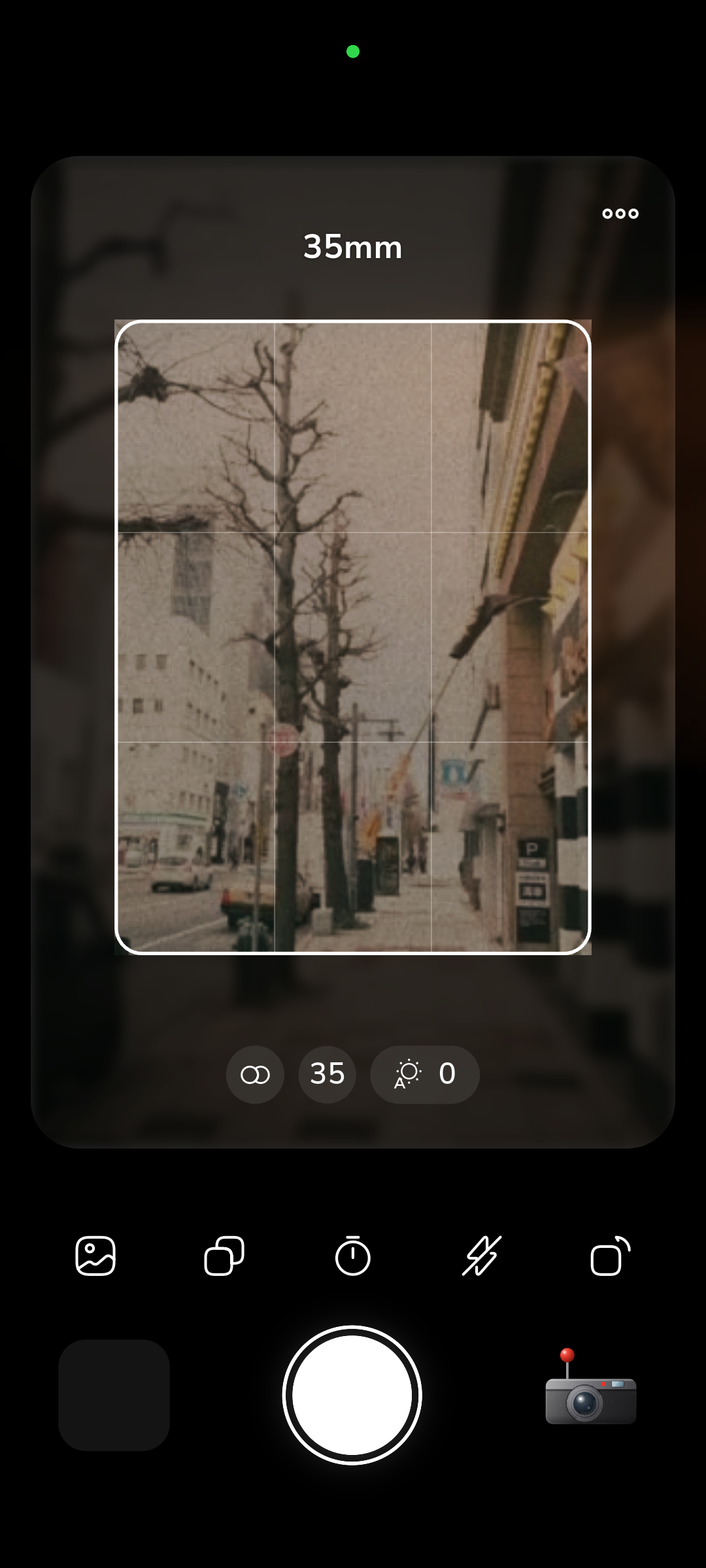
Every RfCamera shutter click is synthesized from layered recordings of real mechanical shutter behavior, not a single stock sound effect copied across twelve cameras. Getting six distinct camera mechanisms to sound physically correct meant treating each one as a separate acoustic event with its own spring tension, blade count, and mirror behavior.
Why Shutter Sound Isn't Decoration
Mechanical film cameras give you almost no visual feedback at the moment of exposure. A rangefinder like a Leica M has no mirror to flip up and no viewfinder blackout — you compose through a separate optical window that never goes dark, so the only signal that the shutter actually fired is the sound and the small jolt of the release button under your finger. Photographers who grew up shooting these cameras learned to read that sound the way a driver reads engine noise: a clean, short click meant a fast shutter speed fired correctly, a longer sustained sound meant a slow speed was open for longer, and a sound that felt wrong — sluggish, uneven, or doubled — often meant the mechanism needed servicing before the next roll.
That auditory feedback loop is part of why experienced film shooters can tell you a rough shutter speed from the sound alone, and part of why a fully silent digital shutter feels disorienting to anyone who learned photography on mechanical gear. Rebuilding that feedback loop in a phone app matters for the same reason it mattered decades ago: without it, you press a button and get a photo with no sense of the mechanism that made it, and film photography is largely about feeling connected to that mechanism. The sound is not decoration layered on top of the photo — it's the only real-time confirmation a mechanical camera ever gave you, and reproducing it accurately is what makes a digital shutter simulation feel like an actual camera instead of a screen with a camera icon on it.
Anatomy of a Leaf Shutter's Click
A leaf shutter, the kind found in most rangefinders and older folding cameras, is built from a small ring of thin metal blades — usually five to eight of them — arranged around the lens opening. Pressing the shutter release does two distinct mechanical things in rapid succession: a spring-loaded mechanism snaps the blades open to whatever aperture you have set, holds that opening for a precisely timed interval controlled by a separate escapement or electronic timer, and then a second spring snaps the blades shut again. Each of those two events produces its own transient sound — a short, sharp metallic snap on opening, a brief interval of near silence while the blades hold position, and a second snap on closing that is usually slightly duller than the first because the closing spring works against more residual tension.
At fast shutter speeds, like 1/500 of a second, those two snaps happen close enough together that they blur into what sounds like a single click. At slow speeds, like 1/8 or 1/15 of a second, the gap between the opening snap and closing snap becomes audible as a distinct pause, which is part of why slow shutter speeds on old cameras sound noticeably different from fast ones rather than just quieter. The cocking lever adds a third sound entirely separate from the exposure itself — winding the film and re-tensioning the shutter spring produces a ratcheting or clicking sound of its own, which is why a single shutter sound on an old mechanical camera is really three or four overlapping mechanical events, not one.
Six Mechanisms, Six Signatures
Not every mechanical camera sounds the same, and the differences come from real structural choices rather than arbitrary variation. A rangefinder's leaf shutter sits inside the lens itself, close to a thin metal barrel that resonates differently than a camera body. A single-lens reflex has to move a mirror out of the light path before the shutter can fire, adding a second, heavier mechanical event on top of the shutter blades. A twin-lens reflex uses a leaf shutter too, but its winding mechanism is geared differently, adding a distinct crank-like sound around the exposure itself. Building six accurate signatures meant treating each of these as its own small machine rather than pitch-shifting one generic click across every camera profile in the app.
| Mechanism | Primary Sound Source | Character |
|---|---|---|
| Rangefinder leaf shutter | Blade spring snap | Soft, short, almost muted |
| Focal-plane SLR | Mirror flip + blade travel | Sharp double-thud, mechanical clack |
| Twin-lens reflex | Leaf shutter + crank gearing | Rounded click plus a soft mechanical whir |
| Box camera | Single spring-loaded blade | Dull, low-pitched thunk |
| Half-frame | Fast blade cycle, smaller opening | Light, quick snap, higher pitch |
| Medium-format leaf shutter | Larger blades, heavier spring | Deeper, longer snap with more decay |
The size of the aperture opening turns out to matter as much as the mechanism type. Medium-format leaf shutters have to move physically larger blades across a bigger lens opening, so their spring has to do more mechanical work, and that extra work shows up as a lower-pitched, longer-decaying sound compared to a 35mm leaf shutter doing the same job on a smaller opening. Half-frame cameras go the other direction — a smaller frame area meant manufacturers could use a lighter, faster-cycling mechanism, which produces a noticeably higher-pitched and shorter sound than a full-frame camera from the same era. None of these differences are cosmetic tuning; they come directly from the physical size and mass of the metal doing the moving, which is why matching each camera to its correct mechanism sound mattered more than making six sounds that were merely different from each other.
Building the Sound From Layers
Getting a single click to sound mechanically real means building it from several short layered events rather than recording one sound and calling it done. A convincing shutter sound needs at minimum three separate layers: a sharp, high-frequency transient for the spring release itself, a lower and slightly longer body for the blade travel or mirror movement, and a very short tail that represents mechanical resonance in the camera body as the vibration settles. Each layer needs its own envelope — how fast it reaches full volume and how it fades — because a spring snap has an almost instant attack and a very fast decay, while a mirror slap has a slightly slower attack and a longer, rounder decay as the larger mass of the mirror mechanism settles back into place.
Getting the relative timing between these layers wrong is the fastest way to make a shutter sound feel fake: if the blade-travel layer starts even a few milliseconds before the spring-release transient, the ear picks up the mismatch immediately, even if the listener couldn't describe what's wrong. The winding or cocking sound that follows a shot is built the same way, as its own separate layered event rather than a tail bolted onto the shutter click, because on a real camera those two actions happen at clearly different moments — you hear the shutter fire, then you hear the film advance separately as you cock the lever for the next frame.
Why It Plays Offline, Every Time
RfCamera has no network permission at all — it does not declare INTERNET access in its app manifest, which means it cannot make a network request even if some future update tried to. Every shutter sound the app plays is a bundled asset stored on your device from the moment you install it, not a file streamed from a server on demand. That matters for a sound that's supposed to fire the instant you press the shutter button: a sound pulled over a network connection, even a fast one, carries enough latency and jitter to break the illusion of a physical mechanism responding to your finger. A camera that plays its shutter sound a hundred milliseconds late doesn't feel mechanical, it feels laggy.
Keeping every sound asset local also means the experience doesn't degrade on a train, on a hike outside cell coverage, or anywhere else a travel photographer is likely to actually be using a camera app. This offline-first approach is consistent with how the rest of the app handles photography too — the same on-device processing that bakes grain, color, and optical distortion into your saved JPEG without uploading anything also applies to sound, and the two systems share the same basic principle: nothing about using this camera should depend on a connection you might not have when you're standing in a market in a country where your data plan doesn't work.
Matching Sound to the Shot
Sound in RfCamera serves as a direct functional cue rather than decoration bolted onto a generic shutter button; it is tied to which of the twelve camera profiles you have selected, so switching from a rangefinder profile to a medium-format profile changes the sound you hear along with the optical characteristics of your photo. That pairing matters for building an accurate mental model of what each camera profile is supposed to represent. A photographer who has actually handled a twin-lens reflex expects to hear that specific mechanical event, not a generic camera-app beep, and getting that expectation right does more for the feeling of authenticity than almost any visual tweak could.
The sound layer runs independently of the image processing pipeline — selecting a shutter sound has no effect on the grain, color matrix, or shader applied to your photo, and the two systems are matched by design choice rather than by any technical dependency between them. This separation is deliberate: it means the six shutter sounds can be refined, retimed, or rebalanced without touching the film simulation pipeline at all, and it means a future camera profile added to the app can pair an existing sound with a new optical look, or vice versa, without either system needing to change. The result, when it works, is a shutter press that feels like a specific piece of mechanical equipment rather than a stock effect, which is the entire point of building six distinct sound events instead of one that gets reused everywhere.